Share your progress with friends and family
· Karl
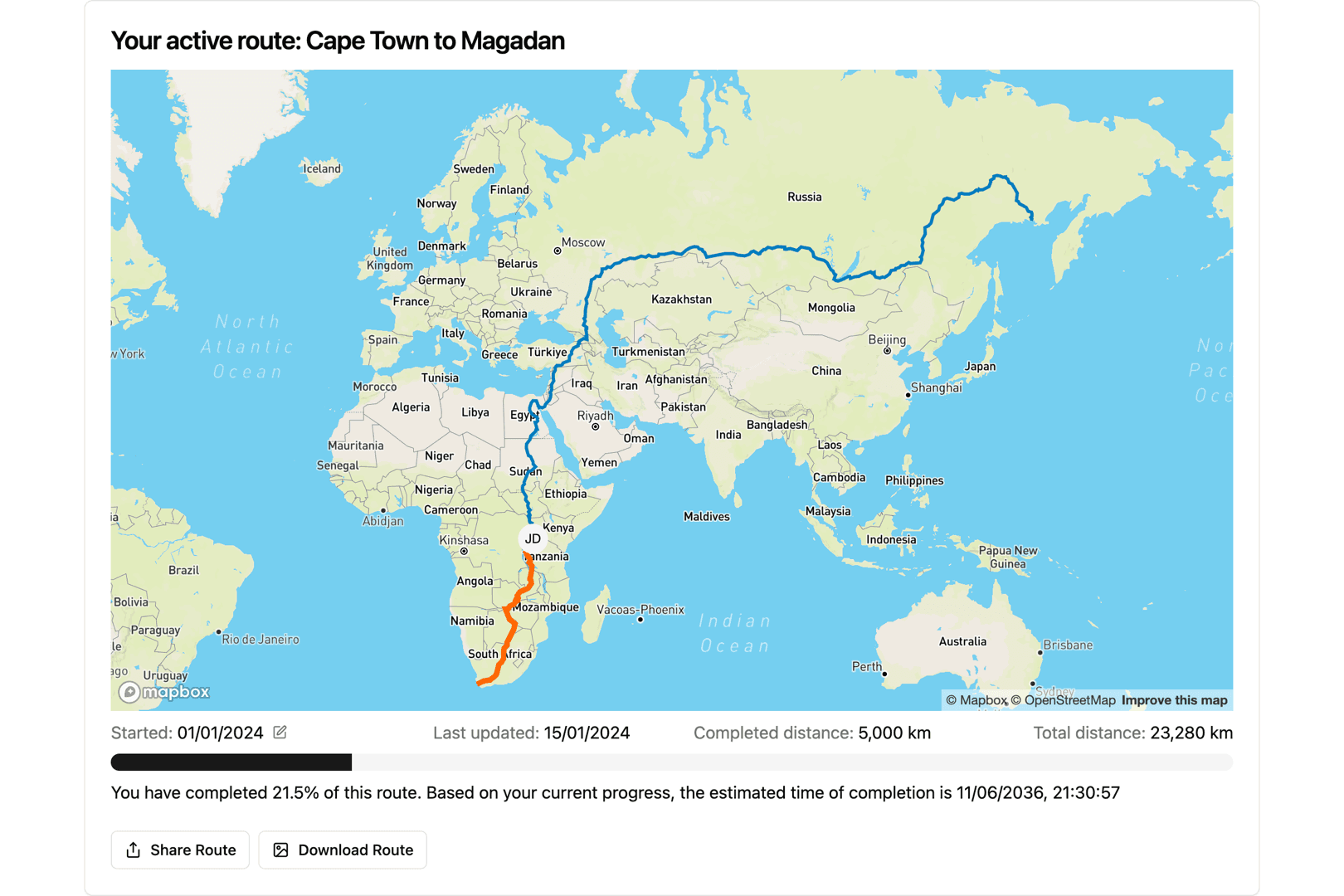
By default all your data in In the Long Run is private to you. Your dashboard, your milage and the virtual routes you are running are visible to you and nobody else. There is no public profile, we don't have a feed and there is no leaderboard of strangers. Except the group functionality, nothing you do in the app is visible to anyone else.
The share and download buttons
But sometimes you do want to show someone. Maybe you just ticked over a thousand kilometres, you want to impress your running club, or your mother has asked what exactly it is you are doing every morning. For those purposes, underneath your route map there is a Download Route button, and on phones and any browser that supports sharing files, a Share Route button next to it.
Both start the same way, turning what your route looks like at that moment into a picture: the map with your progress on it, how far you have come, how much is left and so on. They differ only in where it goes next. Download saves the image to your device. Share hands it straight to your device's share sheet, so you can send it however you like to send things like that, messages, mail, a group chat, or wherever you like to post things.
What actually gets shared
Nothing leaves your account until you press one of those buttons, and even then it is a picture you are sending, not a link to anything. It is a snapshot, and where it goes is entirely up to you.
Groups work the same way: if you are running a route with other people, the group page has its own share button, so you can send the whole team's progress. Go find a route, get a few hundred kilometres in, and then share it with the people in your life. The map is worth showing off once the points of interest behind you have started filling in.
Blog posts are written by and in collaboration with large language models (LLMs) / AI.